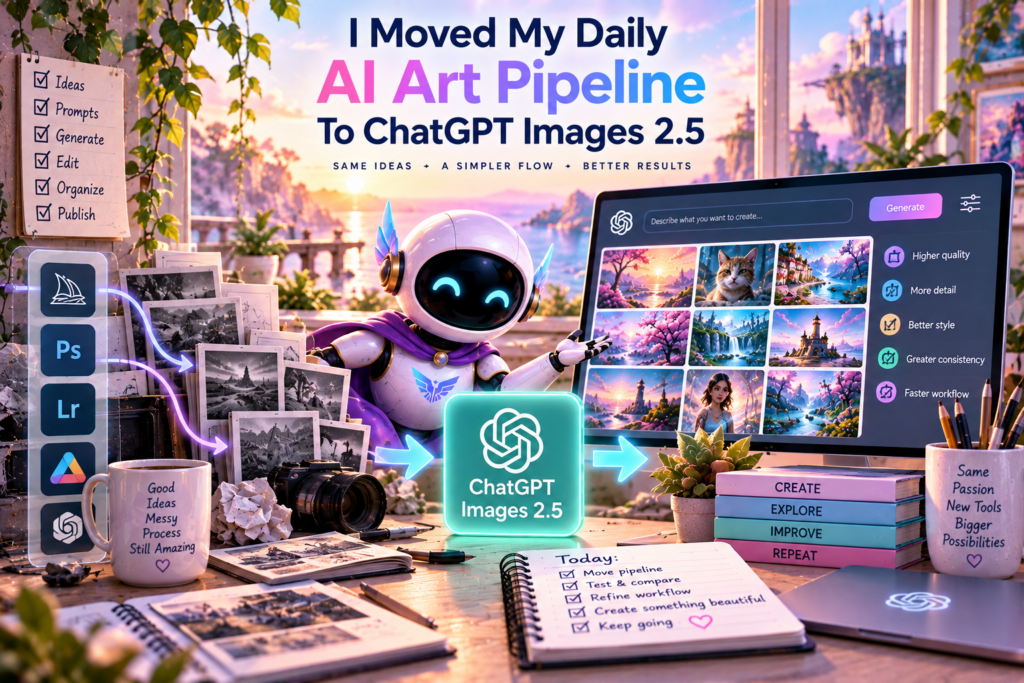
When OpenAI dropped ChatGPT Images 2.5 in early September, it was a quiet Tuesday for most people. For me, it meant re-testing the pipeline I use to make AI art almost every single day. So I did what I always do with a new model. I pushed it onto the thing that actually matters, my daily 100-image pack, and watched what broke and what got better.
This is that report. Real workflow, real images, real before and after. No fluff.
What Changed Under The Hood
The short version: Images 2.5 in ChatGPT is a lot faster and sharper than the model it replaces. OpenAI says generation is up to 50% faster, with better lighting, more texture detail, and stronger adherence to multi-turn edits. For someone who generates a high volume of images every day, the speed alone rebalances my whole workday.
The biggest practical fix is likeness preservation. The old model could drift off a real subject’s features across edits, but 2.5 holds onto distinctive details through a multi-step edit. That was the single gap that hurt me most, and it is the gap I like best now that it is closed.
Testing It On The Daily Pack
I run a daily 75-image prompt pack through ChatGPT, one image every three minutes, the same line of work I wrote about in how I automated my daily AI art pipeline. It is the most honest stress test I have: hundreds of prompts a week, a huge mix of styles, and no room for babysitting. If the model stalls, drifts, or fumbles a style, I see it inside a day.
The results were good enough to keep me on 2.5 for the whole pack. Generation finished noticeably faster across the board, the sharpness bump shows up in the final stills, and I ran into far fewer duds than I did on the previous model. No pipeline changes were needed. It just dropped in and worked.
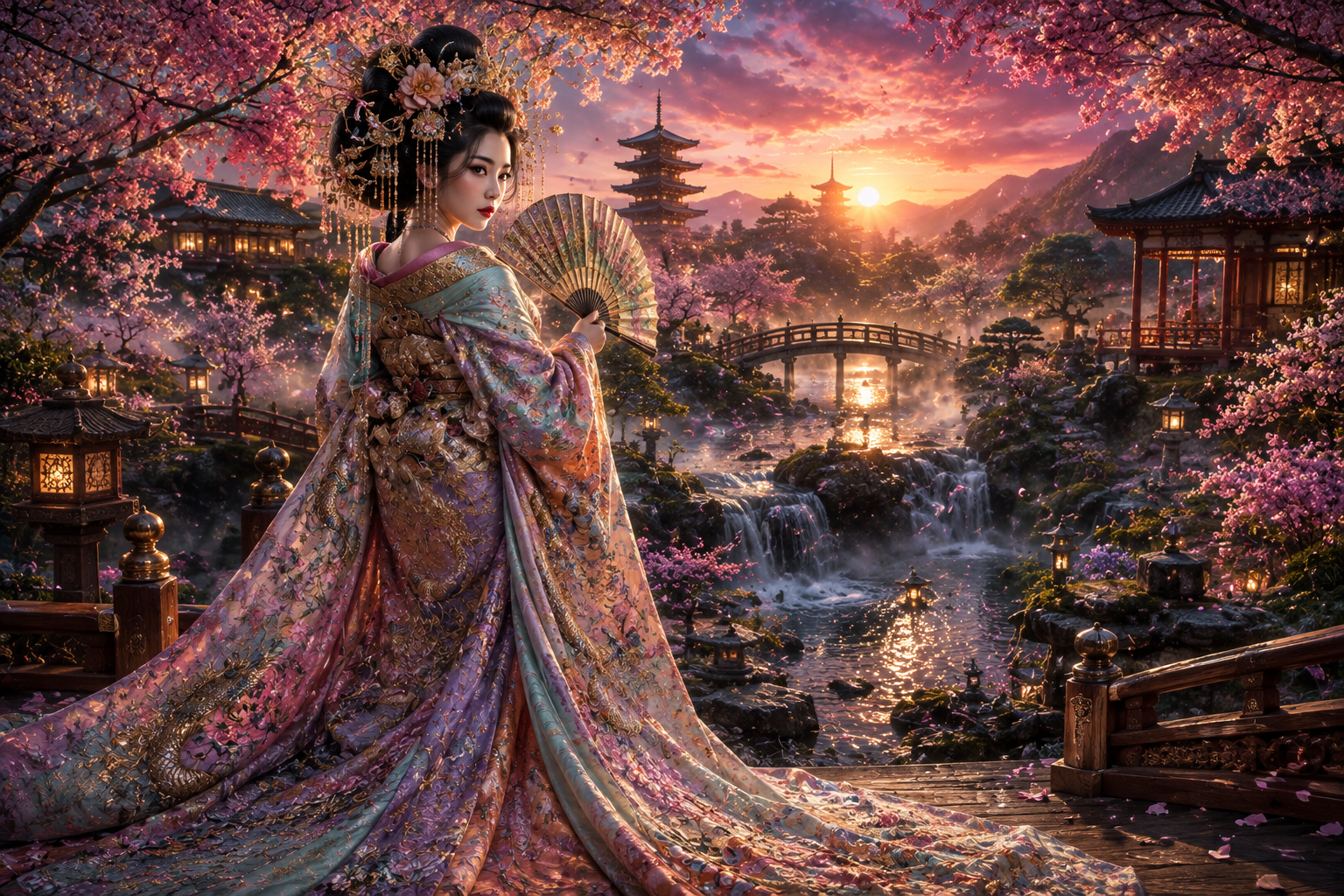
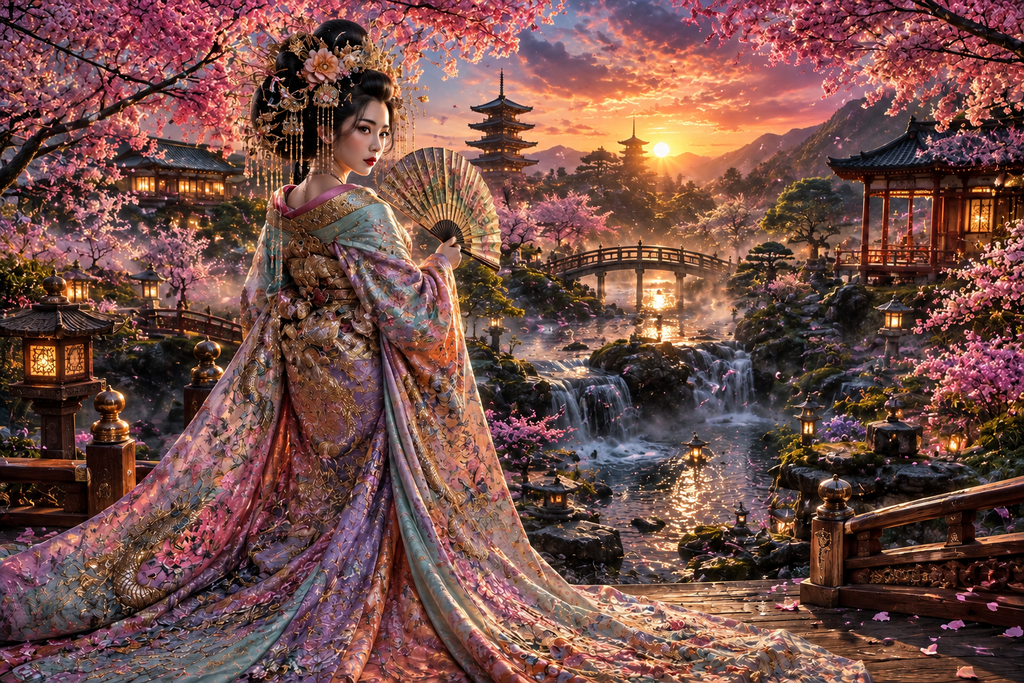
The bottom image was enhanced with ChatGPT Images 2.5 as the original image was created a couple of months ago on a previous iteration of ChatGPT Images, likely Images 2.0 possibly.
Every image in my gallery now comes out of the same 2.5 pipeline, and the detail on a piece like this one is where the upgrade shows up first. You can see the whole set in the AI Art Gallery.
The New Toolkit: Sketch, Templates, And Smart Editing
Two of the new features matter more than the headline speed for how I make art on this site.
The Sketch canvas lets me draw a rough layout in ChatGPT and use it as a visual guide. That is gold for the App Stack page and any design piece where composition matters. Instead of describing a layout in words, I sketch the bones and let the model do the finish work.
Comments on images are the other sleeper hit. I can click a spot on a generated image, leave a note, and the next edit targets exactly that area. No more describing a pixel region in a sentence. It makes the site’s AI art feel genuinely editable instead of a roll of the dice.
What The API Adds
If you build with the API side, 2.5 shipped as two models instead of one. Flare is the fast, everyday workhorse, and Sunburst trades a little time for precision on detailed creative work. Same pricing for both. The quality labels got new tiers too, so you can chase research-grade detail when a piece needs it or drop to light and fast for volume work.
There is a real cost surprise in here. At high quality, the new model spends roughly the token budget the old one used at medium. The results look better than what the old generation gave me, and the per-image cost sits lower for a comparable bar. That is the rare upgrade that pays for itself.
ChatGPT Images 2.5 is faster, sharper, and genuinely better at holding a likeness through edits. For high volume art, it is the first model upgrade in a while that earns its place with zero workflow changes.
Should You Move?
If you generate anything at volume, yes. The speed win is real, the likeness fix is meaningful for anyone who edits people, and the new tools genuinely change how you can work. The only reason to hold off is if you depend on a specific behavior in an automation, because nothing in the chat app lets you pin the old model.
My daily pack runs on it now, and it has not let me down. The way I set up that pack, styled after how I make the AI art on this site, needed no changes to run on 2.5.
Test a new image model on your real, repetitive workload before you judge it. A showcase prompt flatters any model, but your actual job will find the truth fast.
The rare upgrade that pays for itself: sharper results at a lower cost bar.Cliff
If a third party tool or automation hardcodes an old image model, check it before you assume the upgrade lands there. The chat app moves on day one, but integrations tend to lag.
See what all of it looks like. Browse the full AI Art Gallery, every image made with this exact pipeline.
Part Of The Hermes Agent Series
This article is one piece of a bigger story. Read the whole series in order and get the complete picture of what Hermes Agent can do.