Every morning for months I opened up ChatGPT, typed in something like “astronaut riding a katydid through a nebula,” copied the image into a folder, and tried not to feel like I was puppeting my own habits.
It worked. It also never scaled past one or two images before I got pulled into something else and the whole thing fizzled. So I built a pipeline that does it for me. It is six pieces of plumbing held together with cron jobs and a tired sense of humor, and it spits out a fresh batch of AI art every single day without me touching a thing.
Here is how it works, what I hit along the way, and exactly what it costs.
The Old Way
My mornings used to look like this. Open ChatGPT. Ask for an image. Save it. Remind myself to do another one later and forget. Repeat until the folder has three images and Saturday has arrived with nothing to show for it.
The tool was never the problem. ChatGPT makes wonderful art. The problem was that me being in the middle of every generation is a bottleneck, and I am a slow pipeline.
What I Built
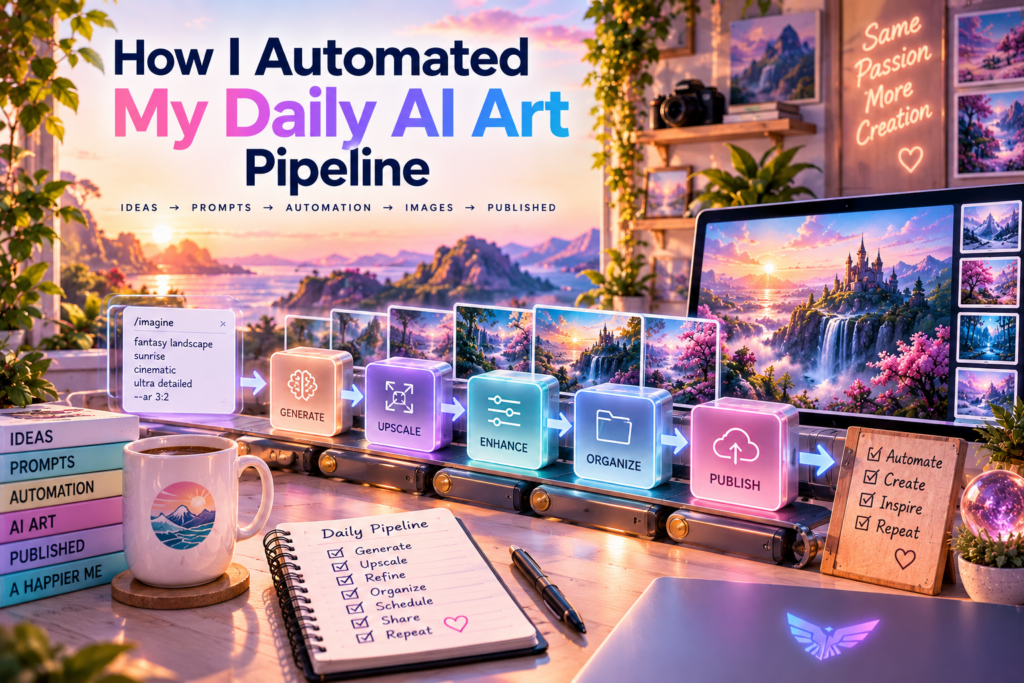
The whole thing lives on my Mac and runs on two cron jobs. Cron is the built-in job scheduler, and I have been using it to automate all kinds of work around here. For the daily art, I wanted two separate jobs so I could fix one without the other breaking.
The first job fires at five in the morning. It generates 100 unique image prompts, all different categories, never a duplicate, and writes each one to a queue file. That is the prompt pack.
The second job is the renderer. Every three minutes it checks that queue. If there is a prompt waiting, it feeds it to the image model, downloads the result, and marks that prompt done. One hundred prompts at one every three minutes means about five hours to finish the full batch.
Key Takeaway: one job generates the ideas, one job turns them into images, and a queue that keeps retrying is what stops the whole thing from quietly dying.
By the time coffee is ready, the morning batch is almost done.
Where The Images Come From
I use gpt-image-2 for the drawing. That is the same image model family behind ChatGPT’s image generation, but I run it through an API instead of clicking around a chat window, which is exactly what lets the whole thing be automatic.
Here is the honest distinction I keep in my head. The art that lives permanently in my gallery is still made by hand with ChatGPT, one deliberate image at a time, because I want to care about each one. This pipeline is a different animal. It is a firehose. It is day one of concept art from a version of me that never sleeps, producing 100 rough drafts a day so I always have raw material to react to.
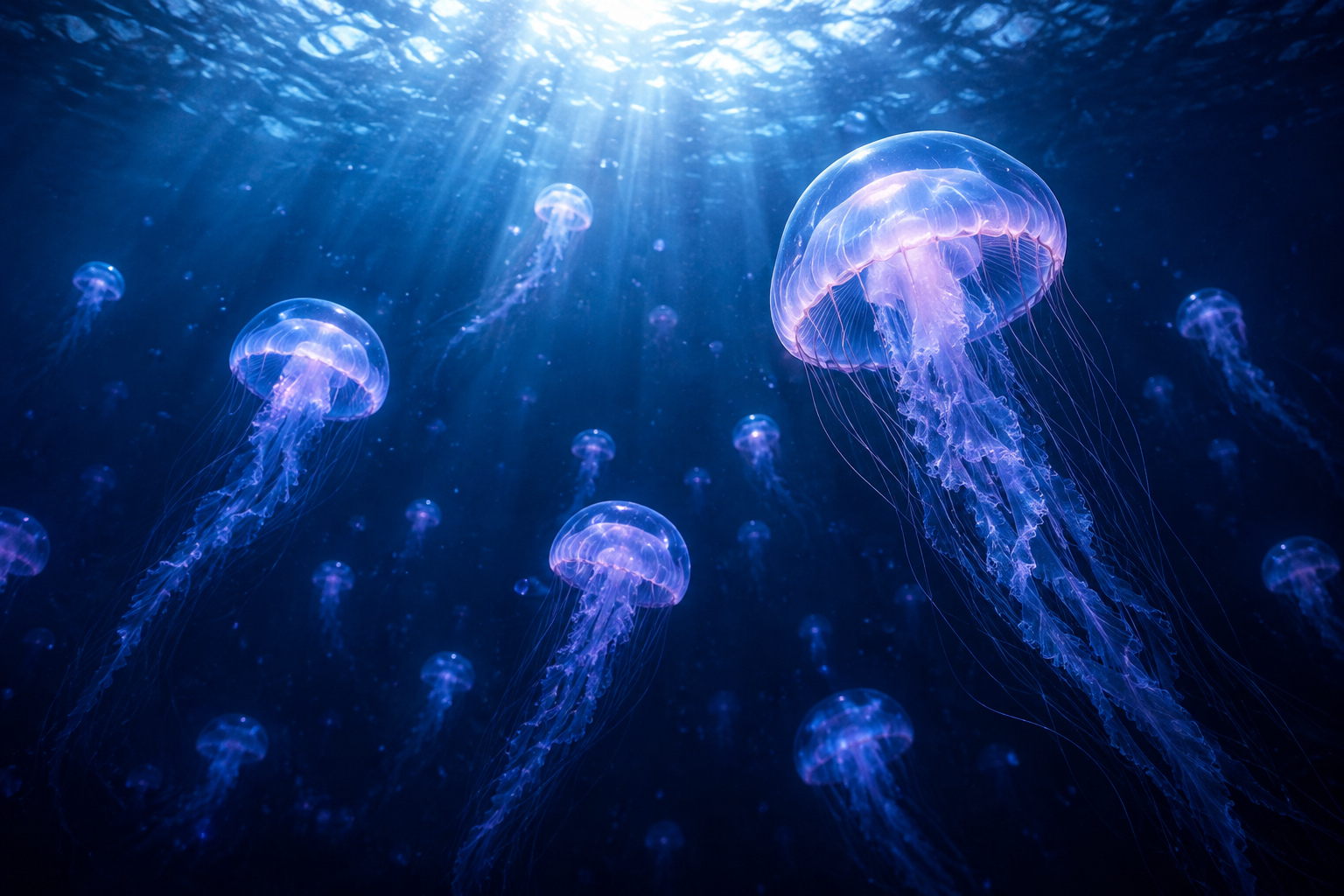
They are not all keepers. They are not supposed to be.

The Numbered Files
Each image lands in a folder called Daily Prompt Images, named after the prompt that made it. If the prompt is prompt 37, the file carries that number, so I can always flip back and see exactly which prompt produced which picture. No more guessing which prompt made which file.
Pro Tip: name every render after its prompt number so you can always tell which prompt made which image, before your folder becomes an unlabeled blur.
The filenames are also Title Case with spaces and no underscores or hyphens. That sounds like a tiny thing, but it matters when you are dragging a week of these into an archive and your eyes glaze over trying to parse machine names.
Keeping It Under Five MB
Here is a rule I came to the hard way. Every image has to be under five MB. Not most of them. Every single one.
Some models output bigger files than others, and an over-limit image will flatly break workflows that assume a reasonable size. So I wrote a small script that runs on every finished image. If a render comes in under the cap it is left alone. If it comes in over, the script re-encodes it down to a JPEG and keeps shrinking the dimensions until it fits. I tested it on a 13.5 MB monster and it came out a lean 2.9 MB.
When Things Break
Any honest automation story includes the part where it broke, and this one broke in a genuinely mean way once.
Midway through a batch, the renderer stopped at 41 of 50 images and sat there for over two hours. The reason was subtle. The scheduler was smart about not re-running the same step twice, and my watcher script was sending back the same pending prompt every single check. So the scheduler looked at it, said “nothing changed,” and suppressed every run. The pipeline was healthy in every way except that it was politely refusing to work.
The fix was a tiny counter. The watcher now tags each check with a tick number, so the scheduler always sees a change while a prompt is pending and keeps trying. Same prompt, fresh attempt, until it either renders or fails loudly.
Warning: the cron sandbox blocks arbitrary code execution. Write files the plain way, or your job will silently produce nothing instead of an image.
What It Costs
Here is the number everyone actually wants. A full batch of 100 images runs me a few dollars a day in API credits. That is about the price of a coffee, for 100 pieces of original art, every day, with zero effort on my part.
The firehose is the farm team.Cliff
The trade-off is real and I want to be straight about it. This pipeline makes volume, not masterpieces. It buys me raw material and it keeps the creative muscle warm. The images you see polished and published are still the ones I pick out and care about.
Should You Build One
Only if you actually want a daily supply of fresh art to react to. If you just want a few good images now and then, keep making them by hand, it is faster and you will like the results better.
But if you have ever wished your creative work fed itself in the background, this is the pattern. One job to generate ideas, one job to turn them into images, a size cap so nothing explodes, and a queue that retries when it gets stuck.
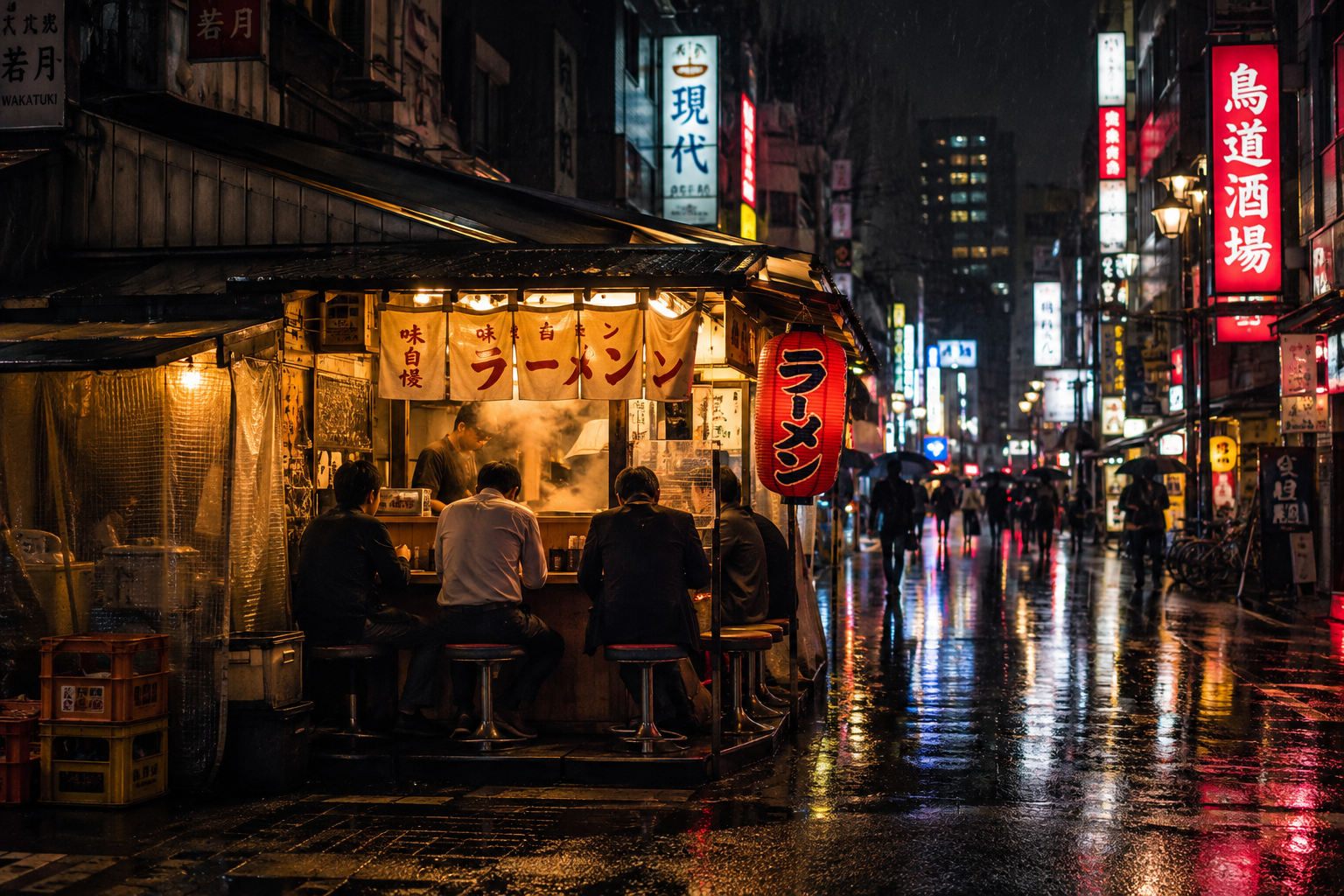
That is the whole trick. Everything else is plumbing, and plumbing is the easy part.
Key Takeaway: build for volume, curate for keepers. Automation feeds the pipeline, but your taste still picks the art.
Part Of The Hermes Agent Series
This article is one piece of a bigger story. Read the whole series in order and get the complete picture of what Hermes Agent can do.