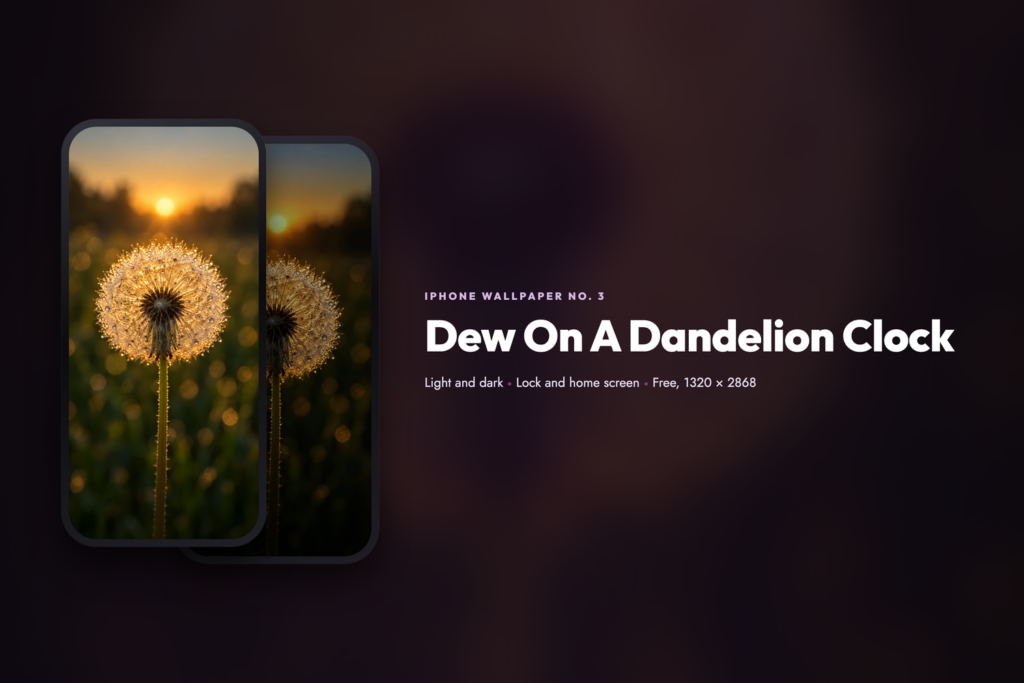
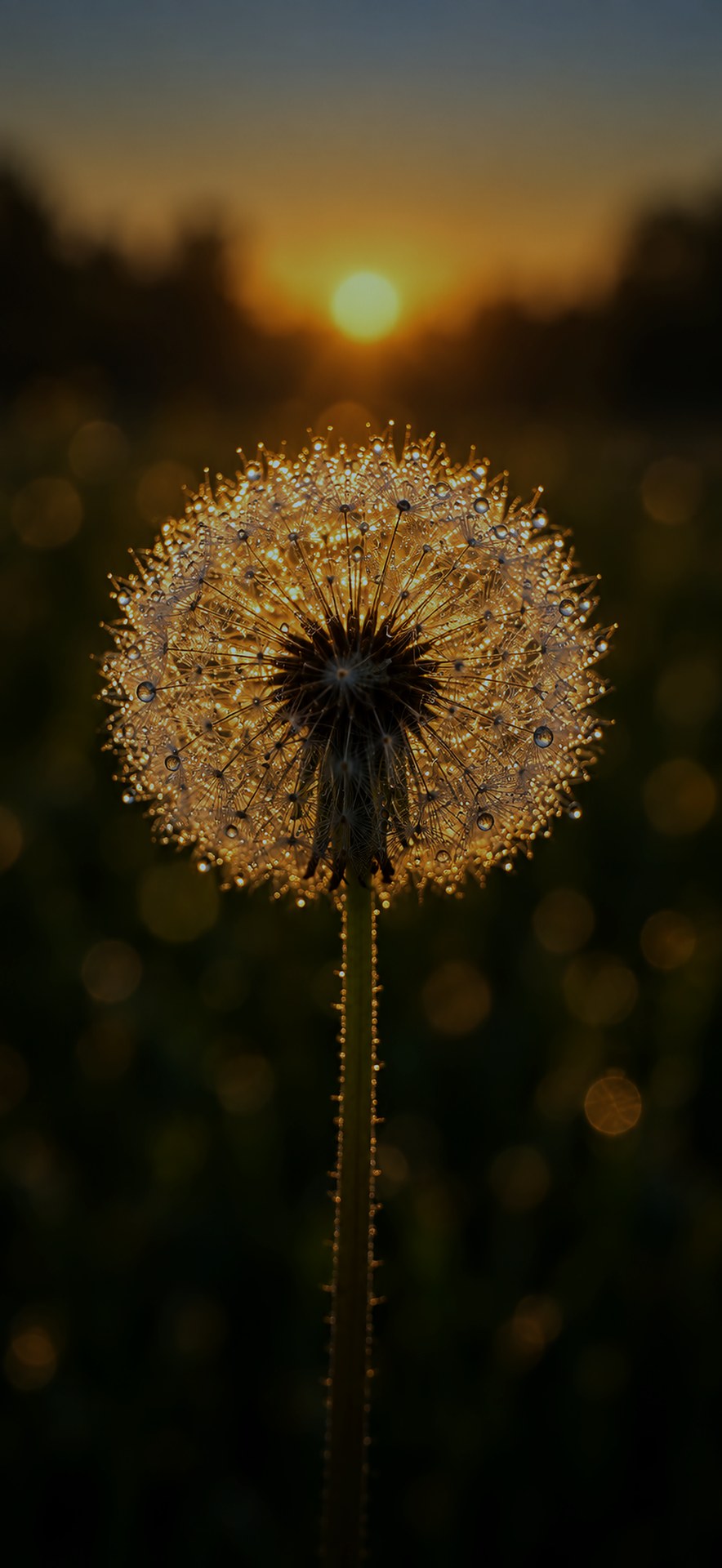
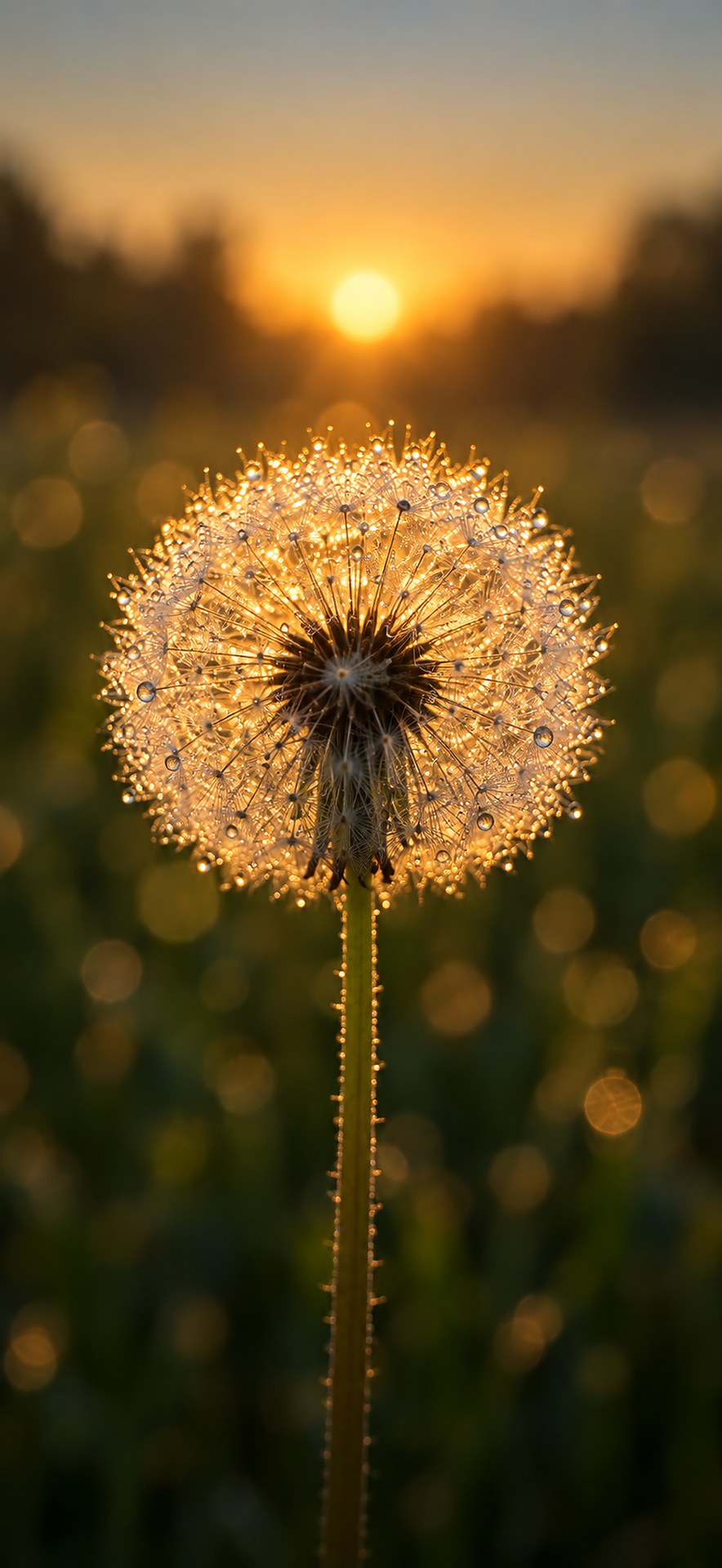
Drag across the screen, or press L and D
A macro frame with almost no depth of field, because a dandelion clock stops being recognisable the moment you sharpen all of it.
Then the same scene again after dark, for the people who run their phone in dark mode and want a wallpaper that stops glowing at them.
Each download is a pair. You get the scene for your lock screen, and the same scene blurred and dimmed for your home screen, so your icons and their labels stay readable instead of fighting the picture. Every file is 1320 × 2868 pixels, the exact resolution of the iPhone 18 Pro Max display.
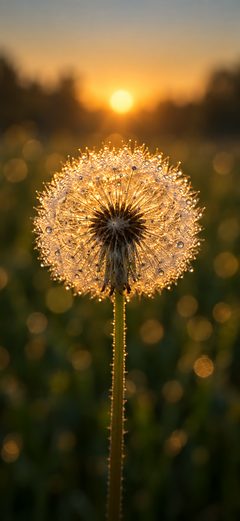 Light Version
Lock and home screen · ZIP
Download Light
Light Version
Lock and home screen · ZIP
Download Light
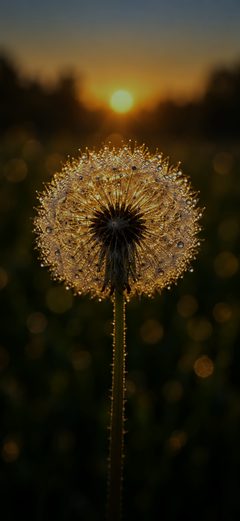 Dark Version
Lock and home screen · ZIP
Download Dark
Dark Version
Lock and home screen · ZIP
Download Dark
Turn Perspective Zoom off before you tap Set. These are sized exactly to the display, so the parallax effect crops a little off the top and bottom.
All four files are free, there is no signup, and they fit any recent iPhone. Use the dark version if you keep your phone in dark mode.
How To Set It
- Save the version you want to Photos.
- Open Settings, then Wallpaper, then Add New Wallpaper.
- Pick the image, pinch to frame it, and tap Set as Wallpaper Pair.
The Prompt
The light version came out of ChatGPT, and the dark version is that same frame graded down. Both recipes are below, so you can run the prompt yourself or grade your own frame the same way.
Our own dark file is not a second render. It is exactly this frame graded down to night, which is why the two line up pixel for pixel when you drag the divider above. The dark prompt is what to run instead if you would rather make your own dark version from scratch.
Every Wallpaper So Far
One new iPhone wallpaper most mornings, in a light and a dark version, all free, all sized 1320 × 2868 for the iPhone 18 Pro Max.
Browse The GalleryWant More Like This?
I write about AI tools, automation, and the stuff I actually use. If this article helped, there is more where it came from.